Dumping WordPress.com

As I mentioned in my previous post I’m looking into installing a WordPress plugin to make it easier for me to share computer code snippets here on the blog. However, when I looked in to doing this on WordPress.com, Automattic (WordPress.com’s parent company) wanted to increase my monthly payment from $4 to $25 a month! $25 seemed pretty steep to me, so I decided to move the whole site over from WordPress.com to my favorite IaaS provider, DigitalOcean. The move has actually been quite a bit of work, but I’m going to end up saving a lot of money. Instead of $25 a month I’m going to end up paying something like ~$8 per month for a cheap virtual server, a .blog domain extension, and an SSL certificate. Originally I planned on just dumping the whole SSL/HTTPS thing in favor of simple HTTP, but I don’t want to break all of my old https links that have already been indexed by Google. So… in conclusion… Goodbye WordPress.com, and hello self hosting with the power of open source software 🙂


New WordPress Theme; Broken Posts :(

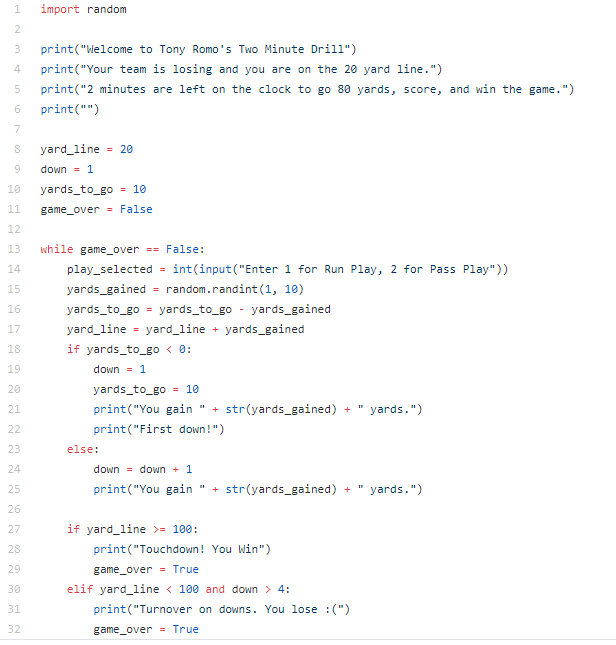
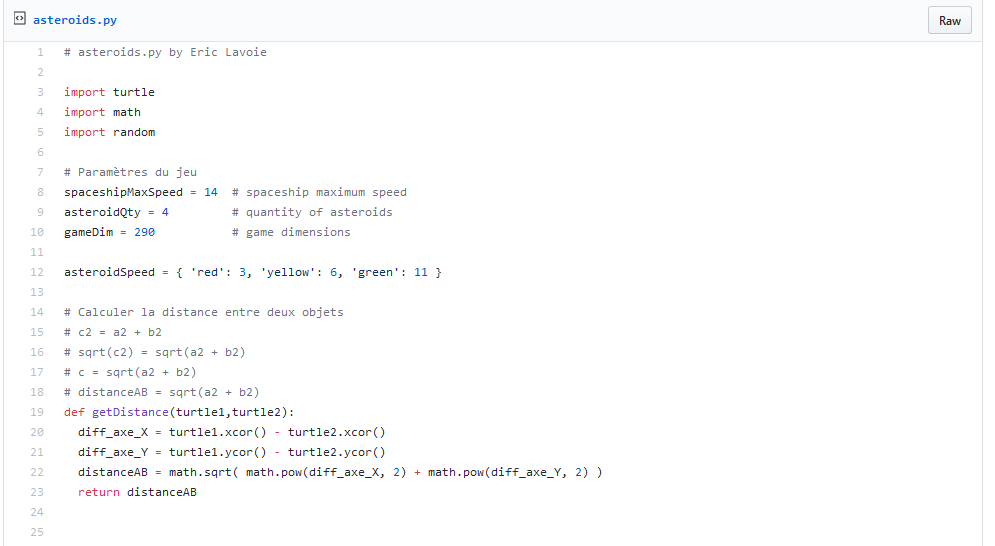
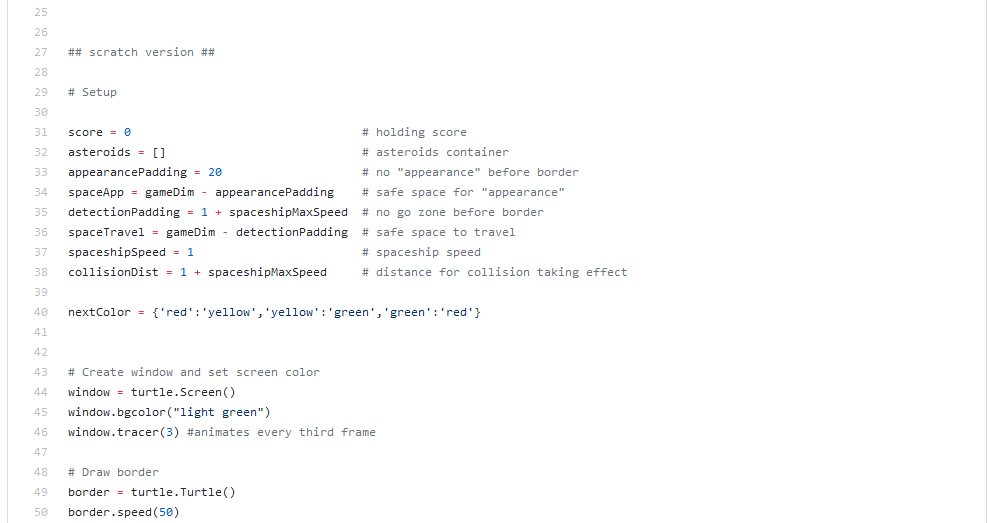
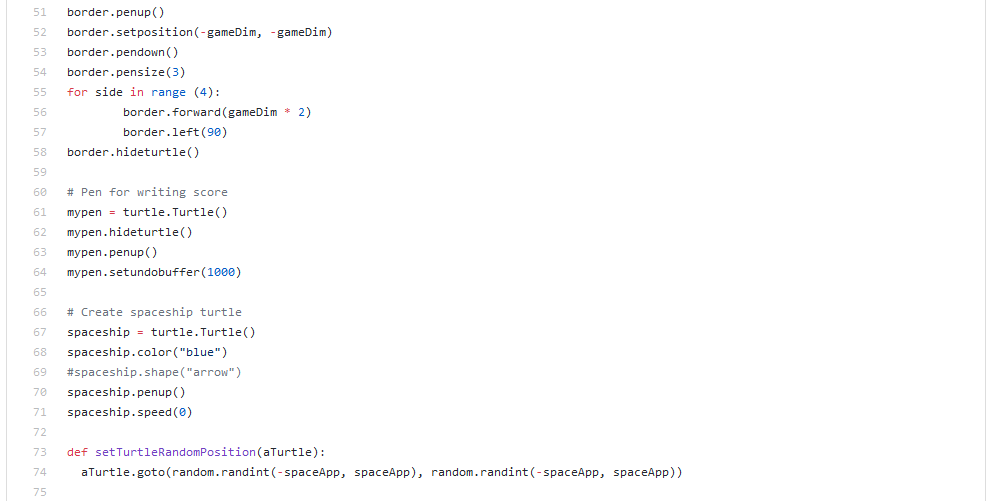
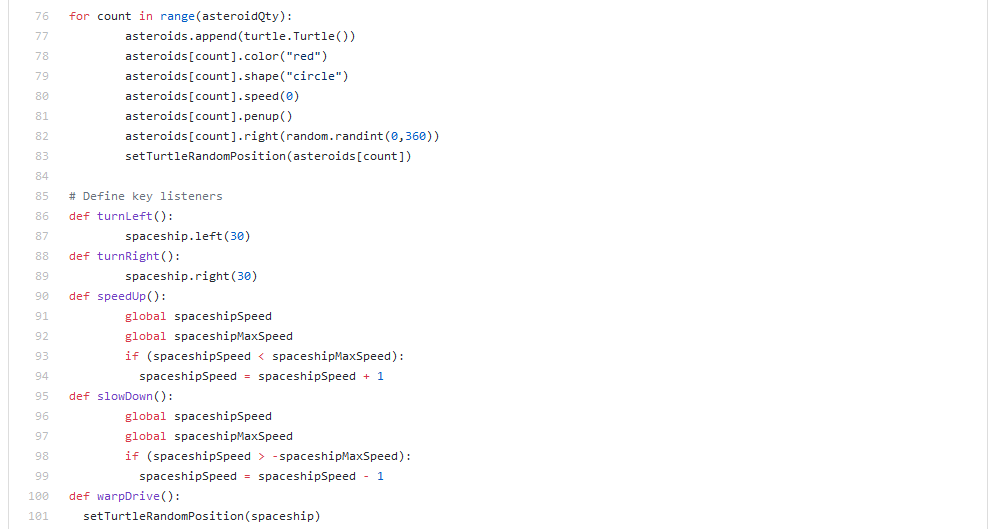
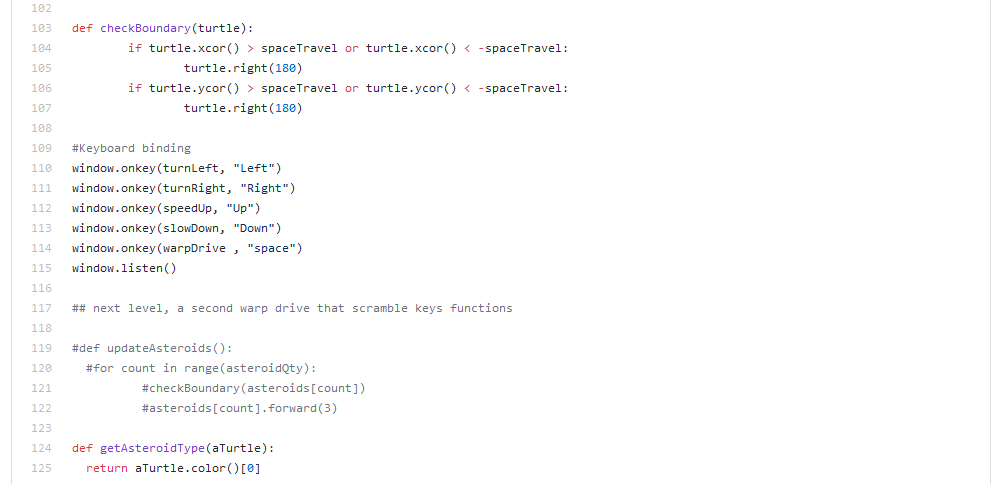
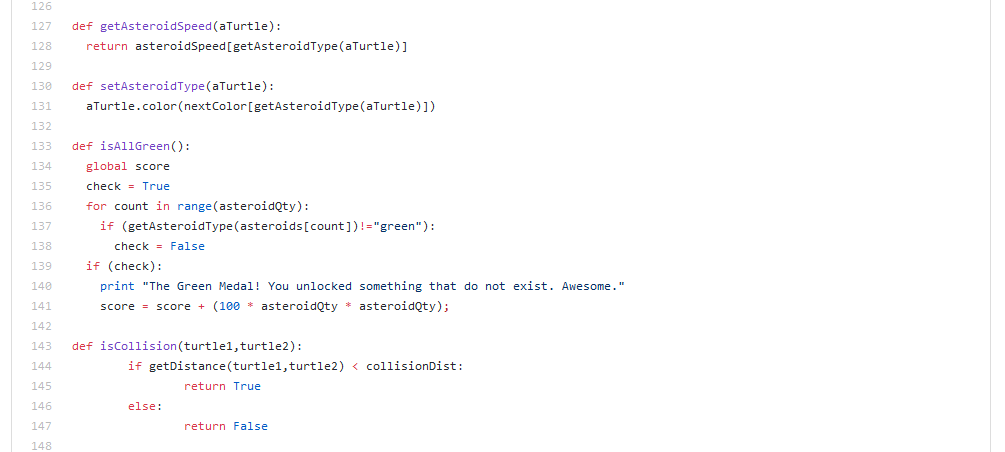
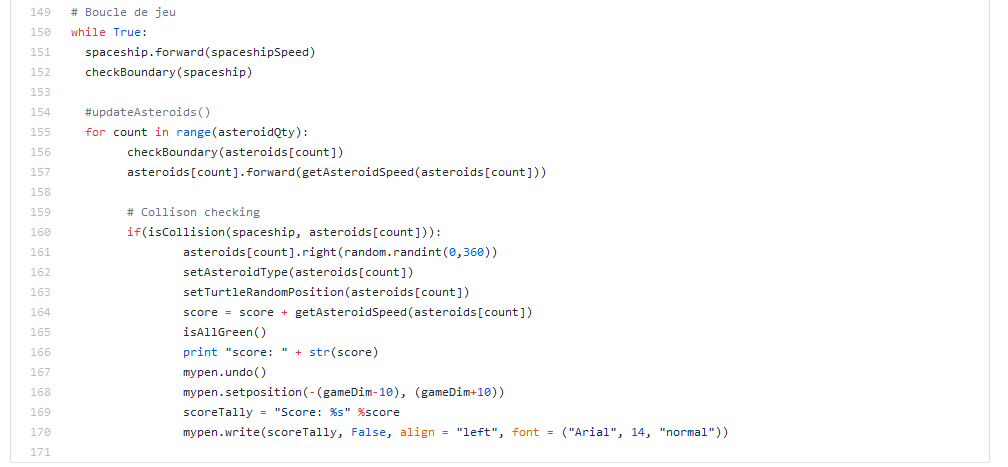
A lot of changes going on here with the blog behind the scenes (not that anyone really cares). I found a WordPress theme that I really like called Casper, but unfortunately the new theme has sort of broken a lot of my old posts. The content is all still there, but there are just little goofy doodads around my various computer programming code snippets. The whole point of this blog is to publish programming related content so I’m working hard to get setup to where I can easily post little programming tutorials with snippets of code and whatnot. I suppose done is better than perfect so I’ll be sticking with the new theme for now despite the small bugs related to my old posts. Also, I plan on checking out some cool WordPress plugins to make it easier to share code here on the blog. Coming Soon!


# TODO: Learn to Use MySQL with Python & Flask

This blog post is brought to you by the developer of BitBudget. BitBudget is an automated budgeting app for Android and iOS which syncs with your bank account and helps you avoid overspending. If you’d like to quit living paycheck-to-paycheck and get a better handle on your finances, download it today! https://bitbudget.io

Just wanted to bookmark a great tutorial on: Creating a Web App From Scratch Using Python Flask and MySQL. Coming from a LAMP Stack background, I’d really like to keep using MySQL, so that’s what I plan on playing around with over the next couple days. Learning Python/Flask is coming along fairly well, and I think I’m almost to the point where I can actually start building some stuff.

UPDATE (3/20/2019): Made some good progress getting MySQL all setup on my local Windows 10 development machine tonight. Note to self– pick back up with the tutorial tomorrow @ Step 1: Setting Up the Database

UPDATE (3/20/2019): Pick back up @ Step 3: Implement a Signup method

UPDATE (3/21/2019): Resume tutorial @ Step 5: Call the MySQL Stored Procedure

CONCLUSION (3/21/2019): So I just finished the above tutorial, but unfortunately received an error when attempting to actually insert data into my MySQL database. I think the problem likely has something to do with “stored procedures.” I’ve never actually used a “stored procedure” before and honestly don’t really even know what it is or why I would want one, but… I think the tutorial was helpful. My main takeaway from the whole thing was that I should look more into this library called Flask-MySQL so I can really get this figured out. Right now I have two big things I need to learn:

  1. Using MySQL with Python & Flask
  2. Deploying my Flask Project Code to a Live Server Running Apache Web Server Software Instead of the Built-In Development Flask Server

FURTHERMORE (3/21/2019): There appear to be multiple python/mysql libraries, so I might check some of those out as well.

YET ANOTHER UPDATE (3/22/2019): I figured out how to INSERT data into my MySQL database using the mysql.connector Python library. Here is a link to my example webapp: Flask-Plus-MySQL

Right now the demo app only shows how to INSERT data into the database. However, I will make sure to improve the demo tomorrow so that it also shows how to SELECT data from the database and then display the data using a Jinja2 template.

LAST UPDATE (3/22/2019): Finished adding some code to the example app which demonstrates how to SELECT data from a MySQL database using Python (and Flask) and then present that data back to the user using the Jinja2 templating engine.